Delete FoodRaccoon Account
We're sorry to hear you want to leave us. Are you sure you want to delete your account? Here's how to do it.
1) Go to Settings
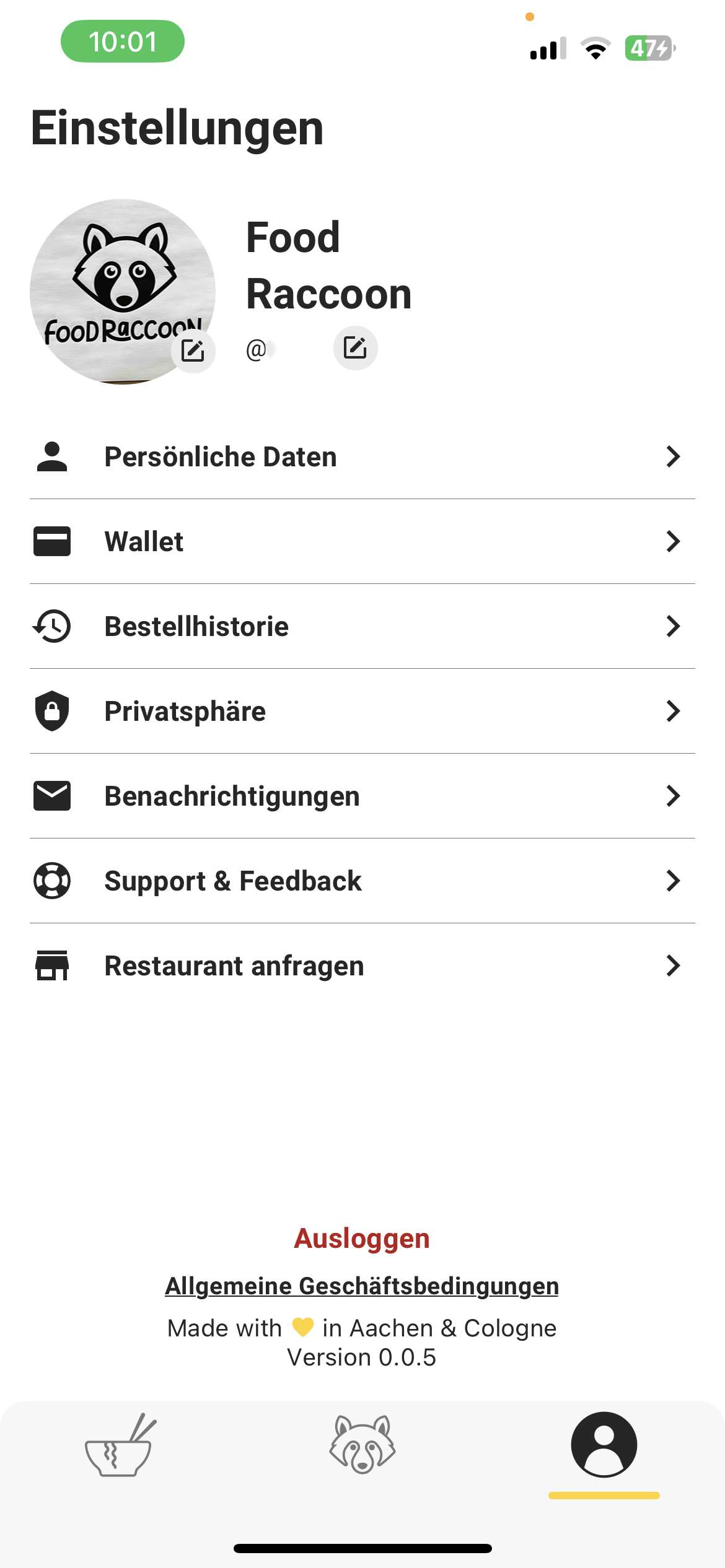
2) At the bottom you'll see the "Delete Account" button. Click on it.
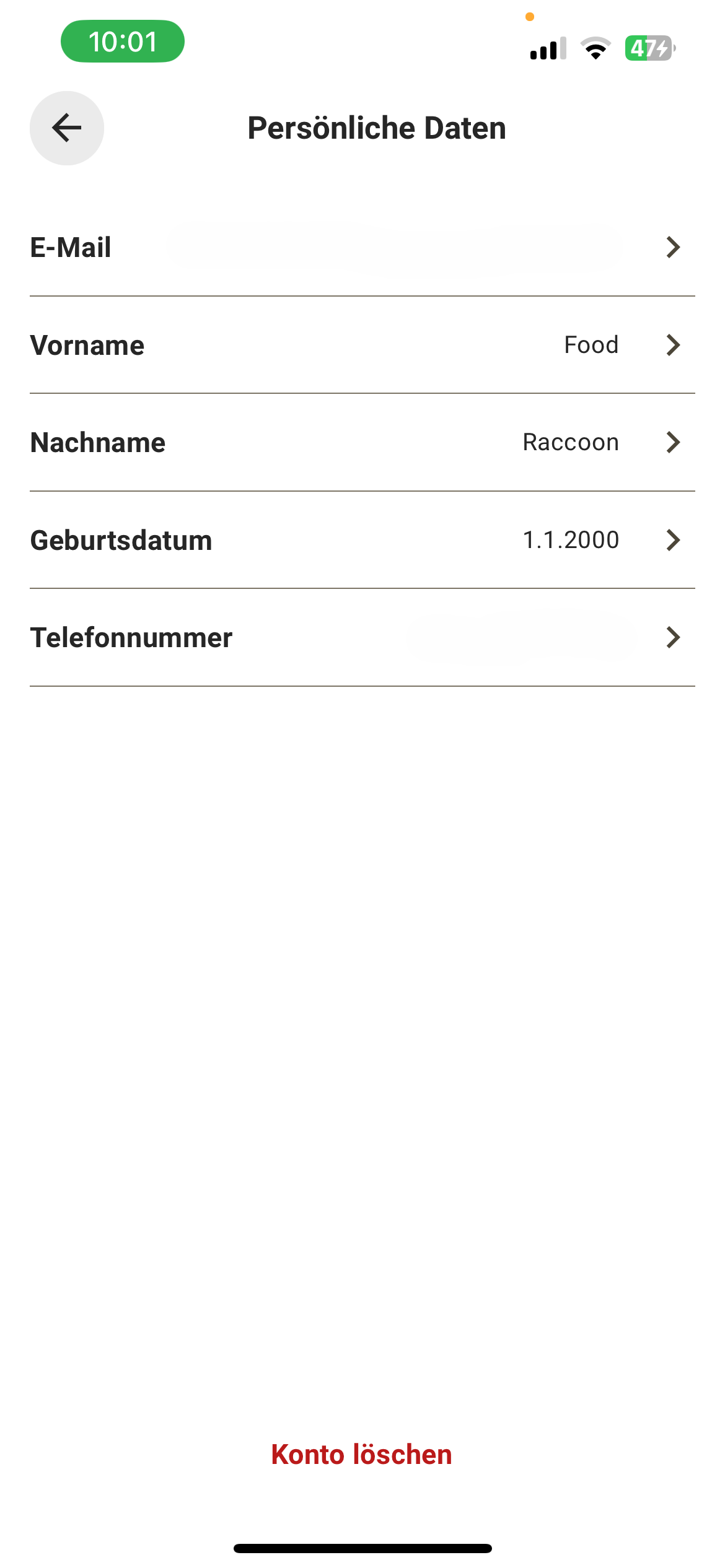
3) Please select a reason for deletion.
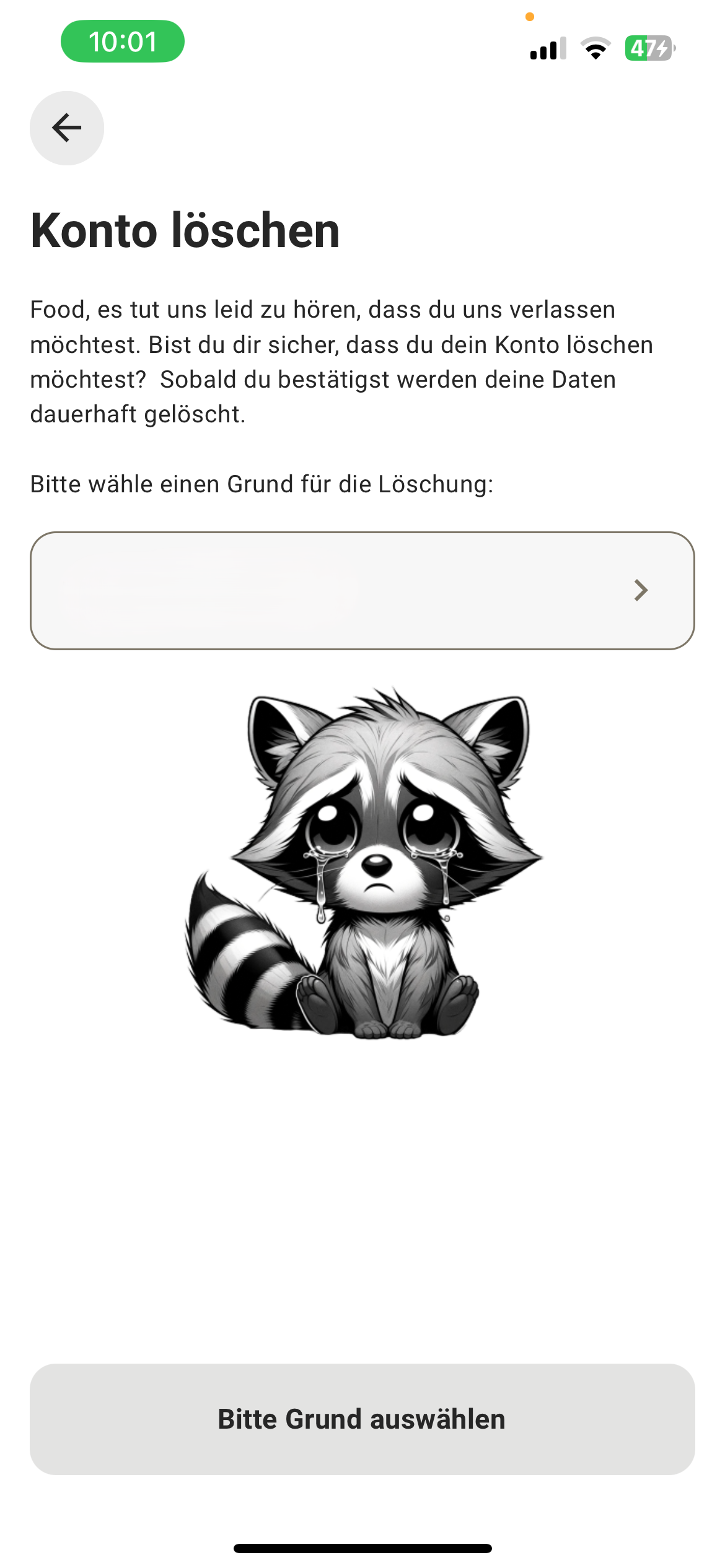
4) Please choose a specific reason for deletion.
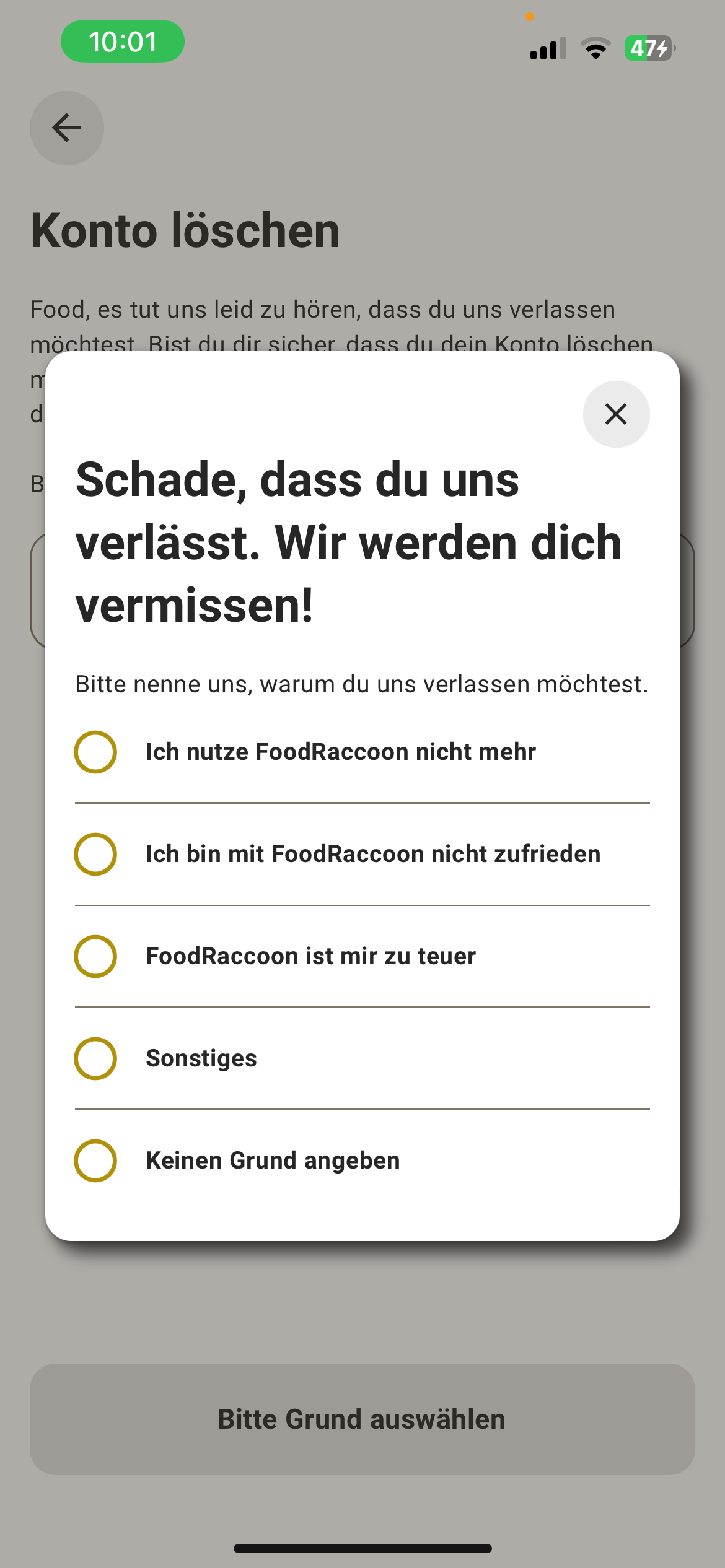
5) If you selected "Other", you can write us a short message.
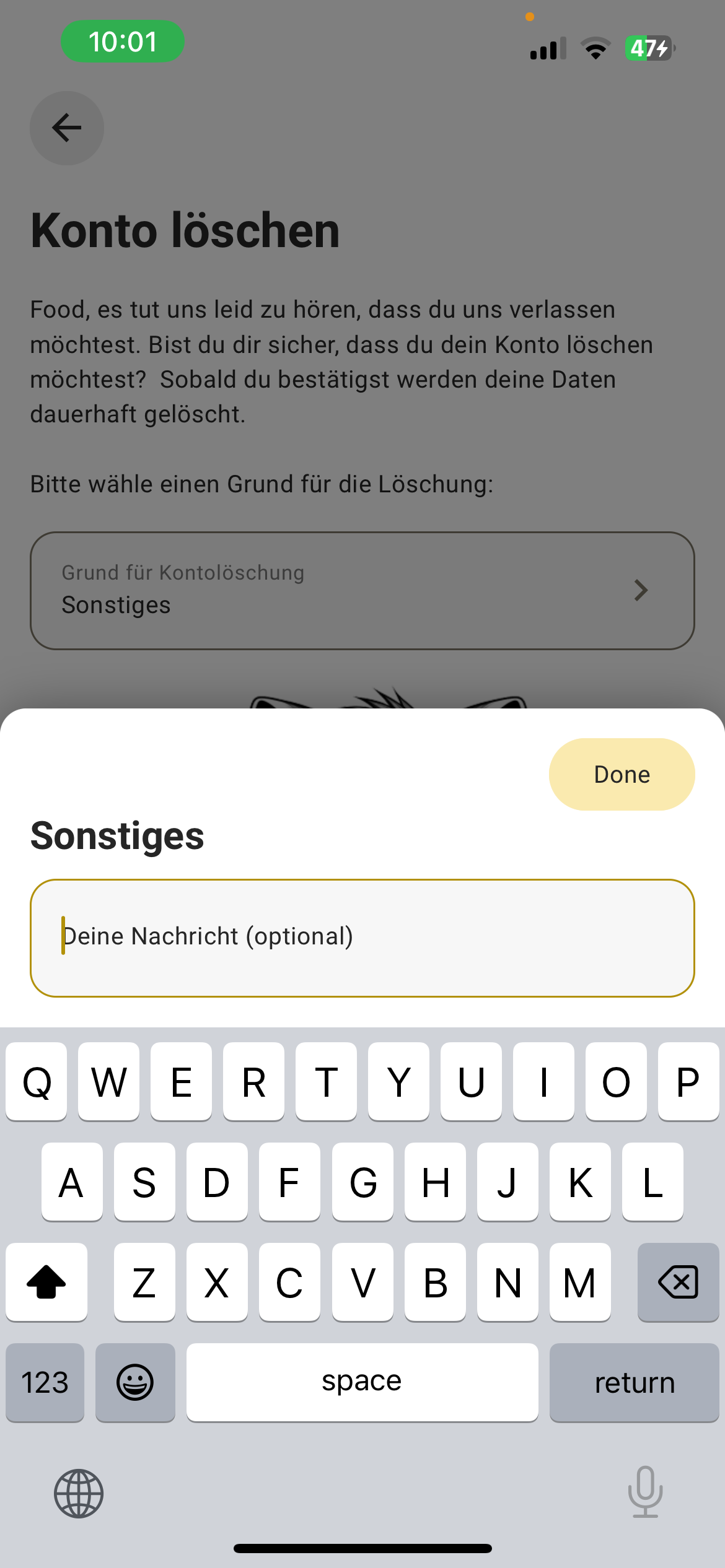
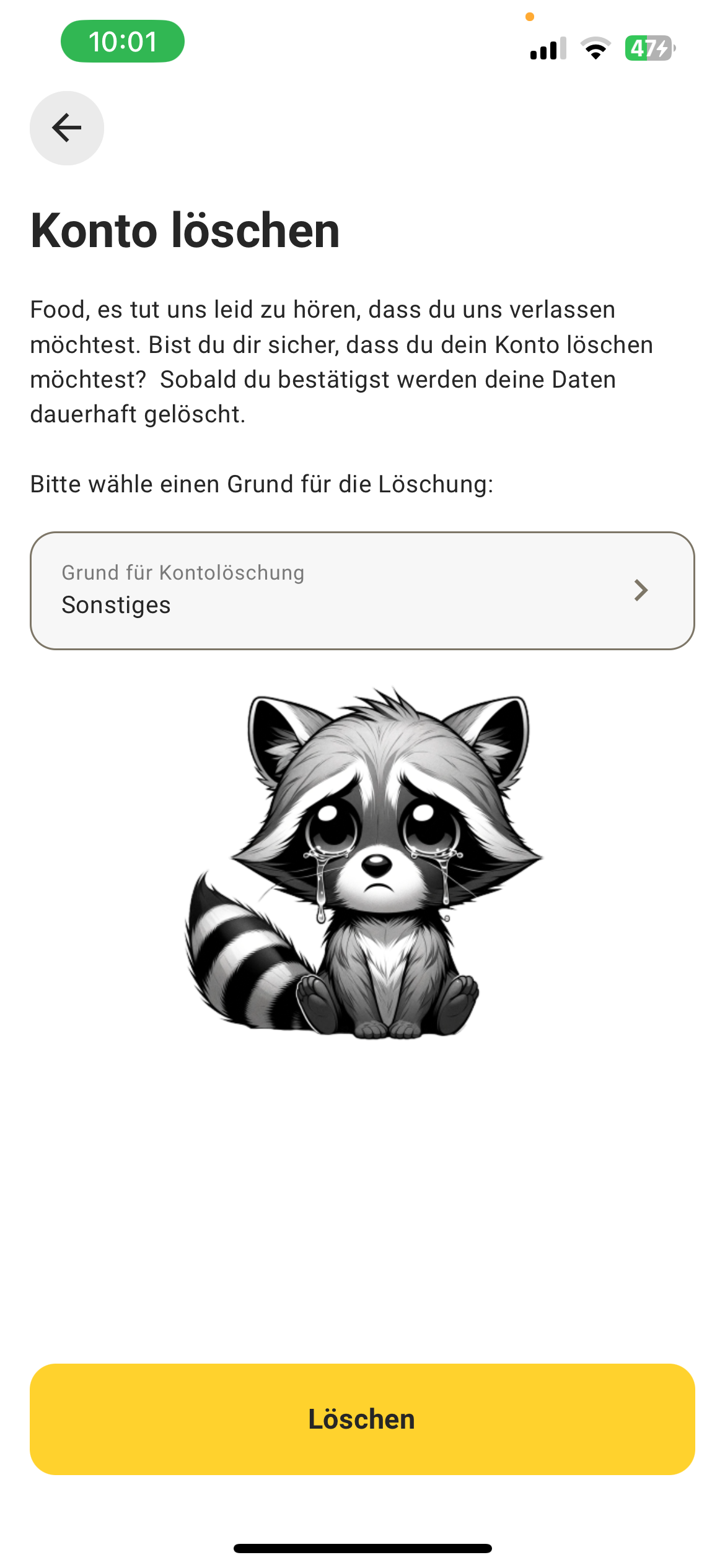
6) Click "Delete" and your account along with all associated data will be deleted.
If you want all your data to be deleted, please send us an email to [email protected].